
$channel
$channelは、output_methodがChannelのworkで使用できる出力APIです。
複数の出力ストリームを動的に生成し、ストリームごとに結果を分けて確認できます。
workの管理画面では、output_methodとしてPlainまたはChannelを選択できます。Channelを選択すると、通常の$print / $printlnは注入されず、代わりに$channelを利用できるようになります。
Plainは単一のテキスト出力に向いています。Channelは、ログ、集計結果、詳細一覧のように、出力を複数のストリームへ分けたい場合に使います。
チャンネルAPIでは、出力対象のストリームを任意に生成し、ストリーム生成時に取得したハンドルを経由して出力します。複数のストリームを生成した場合、実行結果画面でストリームを選択し、ストリームごとに結果を確認できます。
テキストストリーム
Section titled “テキストストリーム”const log = $channel.createTextStream('log');createTextStream(name)でテキスト出力用のストリームを生成します。返り値のハンドルに対してprint()やprintln()を呼び出すことで、そのストリームへ文字列を出力できます。
const log = $channel.createTextStream('log');log.println('hello');const log = $channel.createTextStream('log');const error = $channel.createTextStream('error');
log.println('処理を開始します');error.println('警告: 対象ファイルが見つかりません');log.println('処理を終了しました');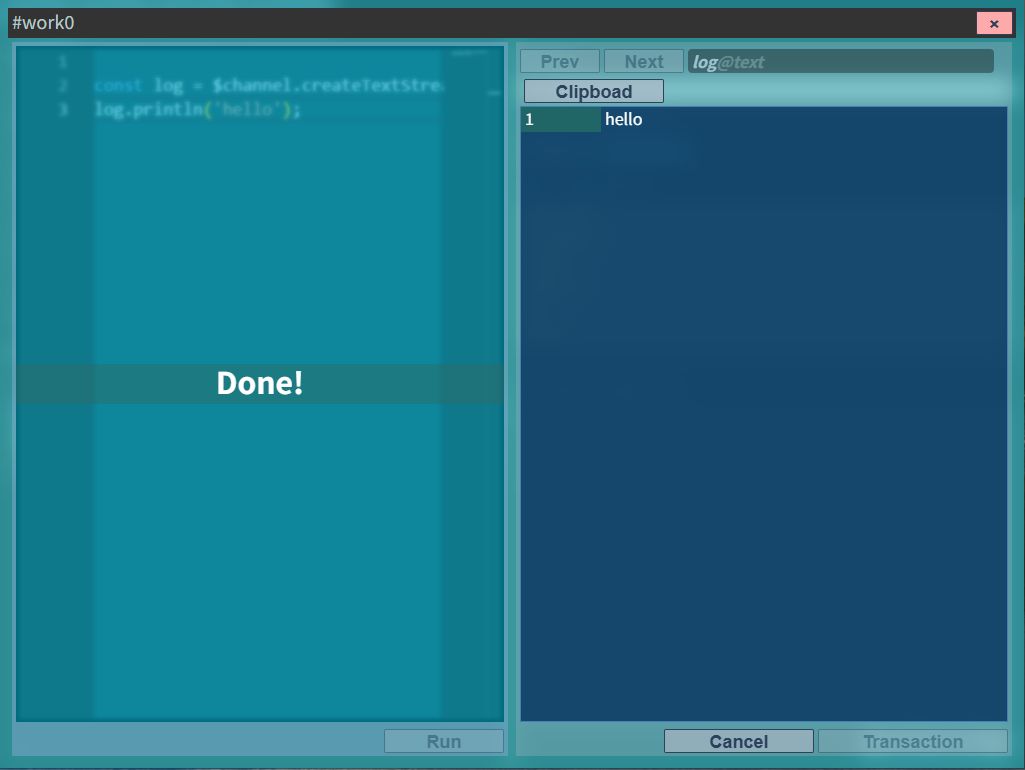
実行結果画面では、logストリームとerrorストリームを切り替えて確認できます。
テーブルストリーム
Section titled “テーブルストリーム”const report = $channel.createTableStream('report', [ { name: 'id' }, { name: 'name' }, { name: 'age', type: 'number' },]);createTableStream(name, columns)でテーブル出力用のストリームを生成します。
テーブルストリームでは、最初に列定義を渡します。add()には、その列定義に対応したオブジェクトを渡します。定義した列名に基づいて、エディタ上でも補完が効きます。
| プロパティ | 型 | 説明 |
|---|---|---|
name | string | カラム名 |
type | 'number' | 数値カラム。省略時は文字列カラムとして扱われます。 |
report.add({ id: '001', name: 'taro', age: 22 });report.add({ id: '002', name: 'jiro', age: 21 });report.add({ id: '003', name: 'hana', age: 18 });add()で行を追加します。定義した列に基づいて補完が効きます。
出力結果は、実行結果画面でテーブルとして確認できます。
const report = $channel.createTableStream('report', [  { name: 'id' },  { name: 'fileName' },  { name: 'matchCount', type: 'number' },]);
for (const file of $dataset.files) {  const content = await file.content();  const count = (content.match(/pattern/g) ?? []).length;  report.add({ id: file.fileName, fileName: file.relativePath, matchCount: count });}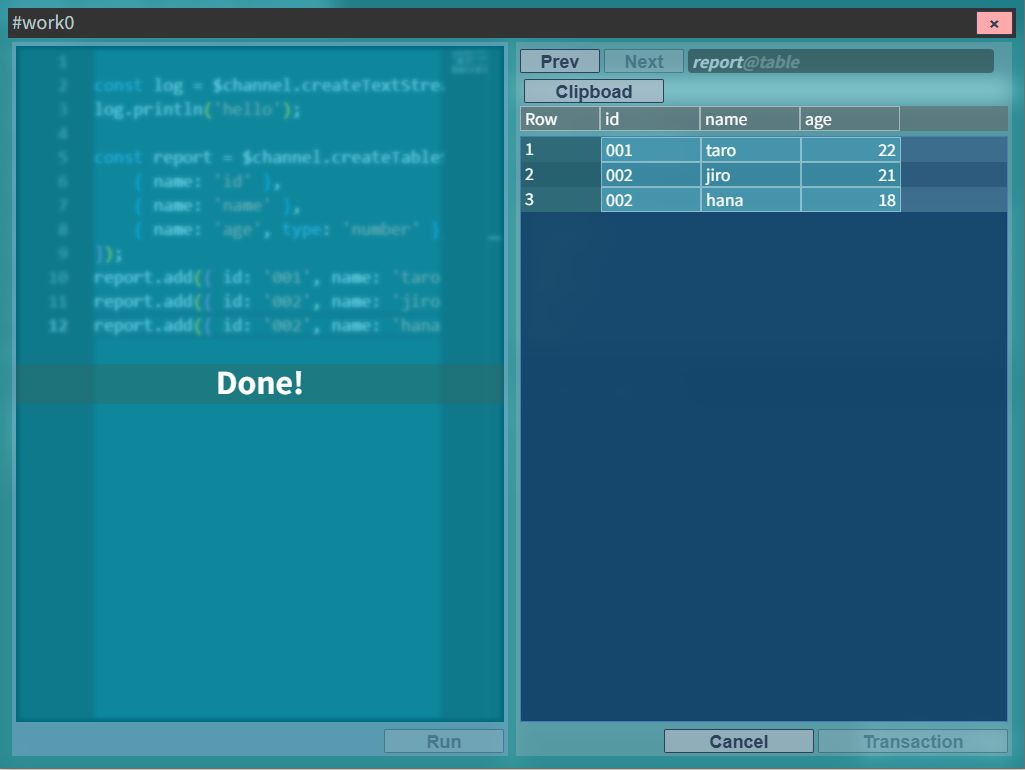
複数ストリームの使い分け
Section titled “複数ストリームの使い分け”const summary = $channel.createTextStream('summary');const details = $channel.createTableStream('details', [ { name: 'file' }, { name: 'line', type: 'number' }, { name: 'content' },]);
let totalCount = 0;
for (const file of $dataset.files) { const lines = (await file.content()).split('\n'); lines.forEach((line, i) => { if (line.includes('TODO')) { totalCount++; details.add({ file: file.fileName, line: i + 1, content: line.trim() }); } });}
summary.println(`TODO件数: ${totalCount}件`);実行結果画面のストリーム選択UIで、summaryとdetailsを切り替えて確認できます。